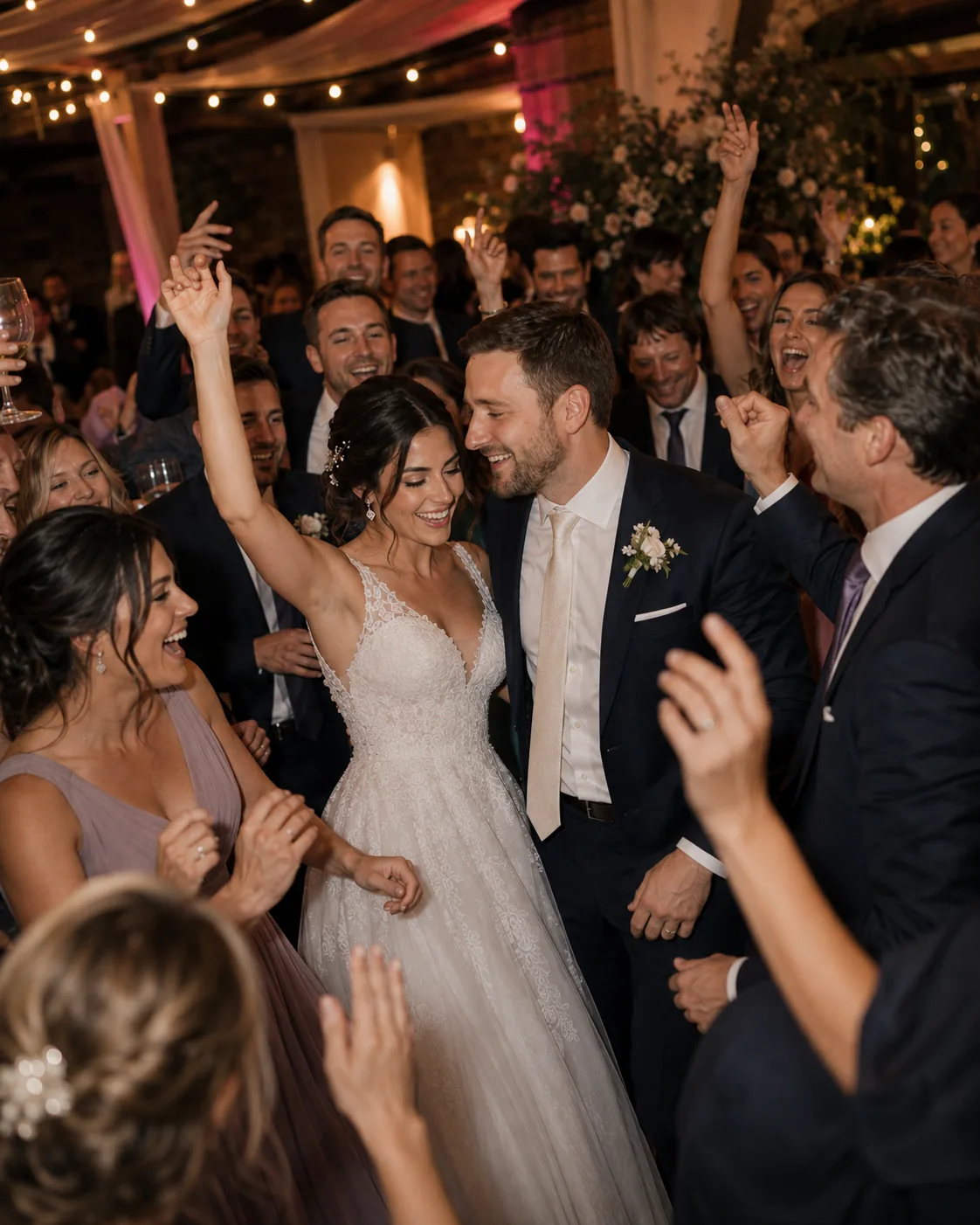
While you exchange vows, raise a glass and dance, photos of people, conversations and small moments appear on many phones. SnapTogether collects them in one private wedding album—as a complement to your photographer’s work.
From getting ready to the dance floor. Everything stays in its place.
Custom timeline sections structure the day. Photos are sorted by capture time—even when guests add them from their gallery later.
86 MOMENTS TOTALOLDEST FIRST
June 20, 2026Getting ready
Mara♥ 4 ◯ 1Jonas♥ 5 ◯ 2
The ceremony
Lea♥ 6 ◯ 3Noah♥ 7 ◯ 1
First dance & party
Mira♥ 8 ◯ 2Jonas♥ 9 ◯ 3
AI-generated images
←
EVENT INVITATIONQR invitation
Mara & Elias
CONTRIBUTE PHOTOSVIEW ONLY
DESIGNS
OUR WEDDING PHOTOSMara & Elias
Scan with your phone camera
1Scan the codePoint your phone camera at the QR code.
2Join in browserChoose a name and profile picture.
3Contribute photosTake one or choose from the gallery.
02 / ONE CODE FOR EVERY GUEST
No app download on the wedding day.
On a place card, at the entrance, or shared as a link. Scan and contribute straight away.
Share the contributor link as a QR code. Guests open the event in their browser, choose a name and profile picture, then start taking photos or adding pictures from their gallery.
01PLACE CARD02WELCOME SIGN03MESSAGE TO GUESTS
AI-generated images
03 / MISSIONS FOR YOUR GUESTS
Small photo ideas for your guests. And the pictures that matter to you.
Custom photo missions help guests start conversations and capture particular moments—from three generations in one picture to a selfie with the newlyweds. Every mission is optional and can be written to fit your wedding.
01EVERY GENERATION
Three generations in one photo.
02YOUR TABLE
Take one photo with everyone at your table.
←
Selfie with the newlyweds.Grab Mara and Elias for a photo together.
2/20
YOUR CONTRIBUTIONCapture pending
MISSION · 25 POINTS
AI-generated images
04 / THE MORNING AFTER
Uploaded later. Still in the right place.
Guests can add photos from their gallery after the celebration. SnapTogether uses the original capture time whenever possible and places each photo in the corresponding part of the timeline. With poor reception, new contributions wait locally until the connection returns.
STILL ON THE PHONE
→UPLOAD LATER
IN THE RIGHT PLACE
ADDED THE NEXT MORNING
June 20, 2026First dance & party
Jonas♥ 9 ◯ 2
05 / SHARE PRIVATELY · KEEP TOGETHER
Shared privately with your guests. Saved as an archive after the wedding.
Only members can see the wedding photos. Everyone can browse the timeline together, like pictures and leave comments. Afterwards, the complete event can be archived locally and exported.
01PRIVATE ACCESS
Event content is visible only to members. Join requests can be reviewed before approval.
02VIEW TOGETHER
Guests can browse the shared timeline, like pictures and leave comments.
03LOCAL ARCHIVE
After completion, the event can be archived locally and saved as an importable .snaptogether file.
06 / QUESTIONS
Short questions. Clear answers.
Do guests need to install an app?+
No. Invitation links and QR codes open the event directly in the browser. Guests can join anonymously with a name and profile picture.
Does SnapTogether replace the wedding photographer?+
No. SnapTogether collects the guests’ photos as an extra—especially the perspectives and small moments around the official photography.
Who can see the wedding photos?+
Event content is visible only to members. If you prefer, new members can wait for approval before joining.
Can guests add pictures the next day?+
Yes. Photos from the gallery can be added after the celebration. The original capture time is retained whenever possible.
Does it work with poor reception?+
Yes. New captures remain in the local upload queue and transfer once the device reconnects.
Can the wedding album be archived later?+
Yes. The completed event can be archived locally and exported as an importable .snaptogether file.








 ←
← Scan with your phone camera