Nina's
birthday September 18, 2026 · Berlin
birthday September 18, 2026 · Berlin
4MISSIONS
13PEOPLE
2AWARDS
September 18, 2026Candles out
 SnapTogether
One QR code brings every guest together. They capture, react and tell the story of your night — moment by moment, even when reception drops.
SnapTogether collects each photo in a chronological timeline while the event is still happening, ready for everyone to enjoy together.
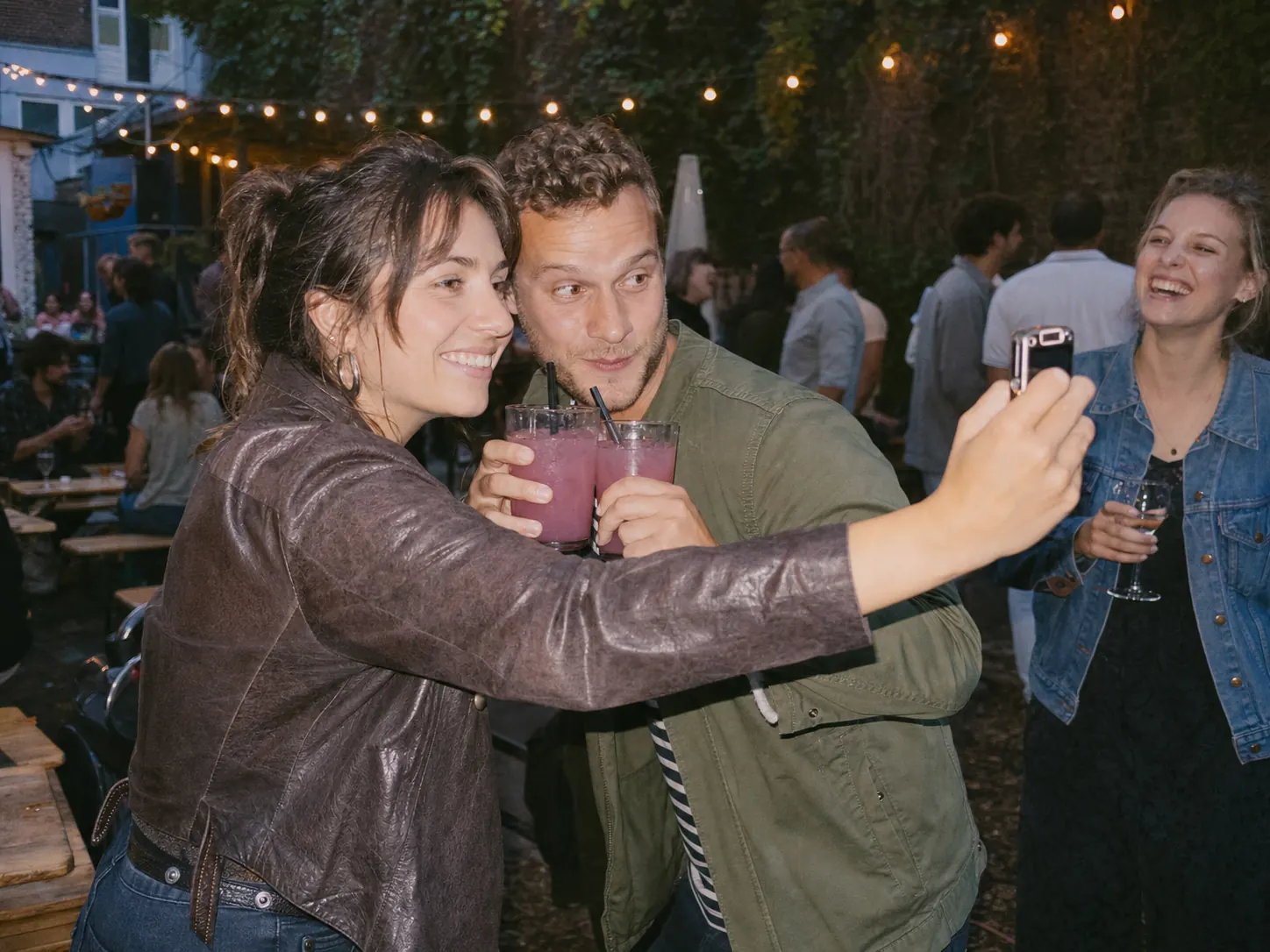
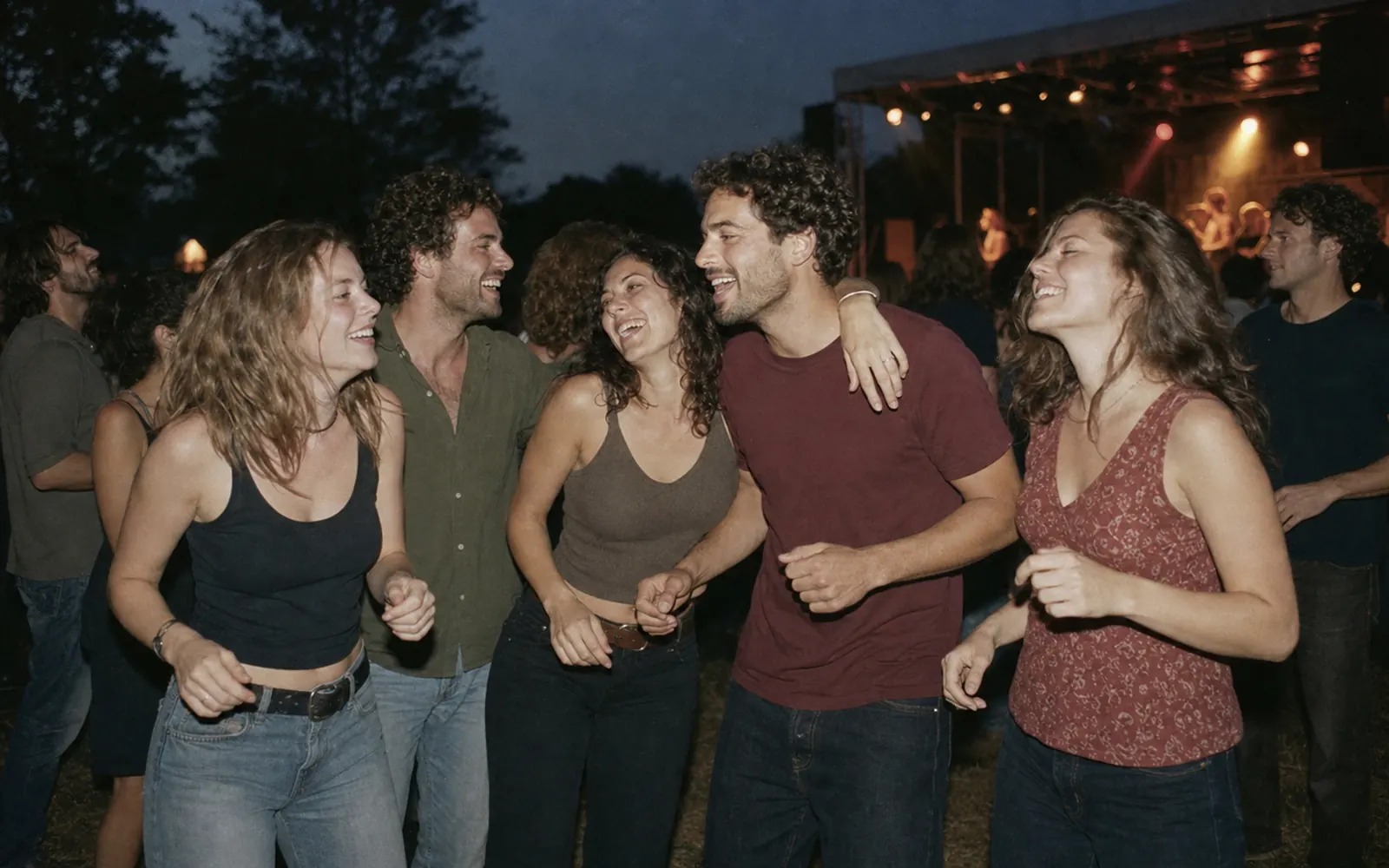
Set the name, timeframe and rules. Your personal QR code is ready instantly.
On an invite, table card or screen. Guests scan and join directly in their browser.
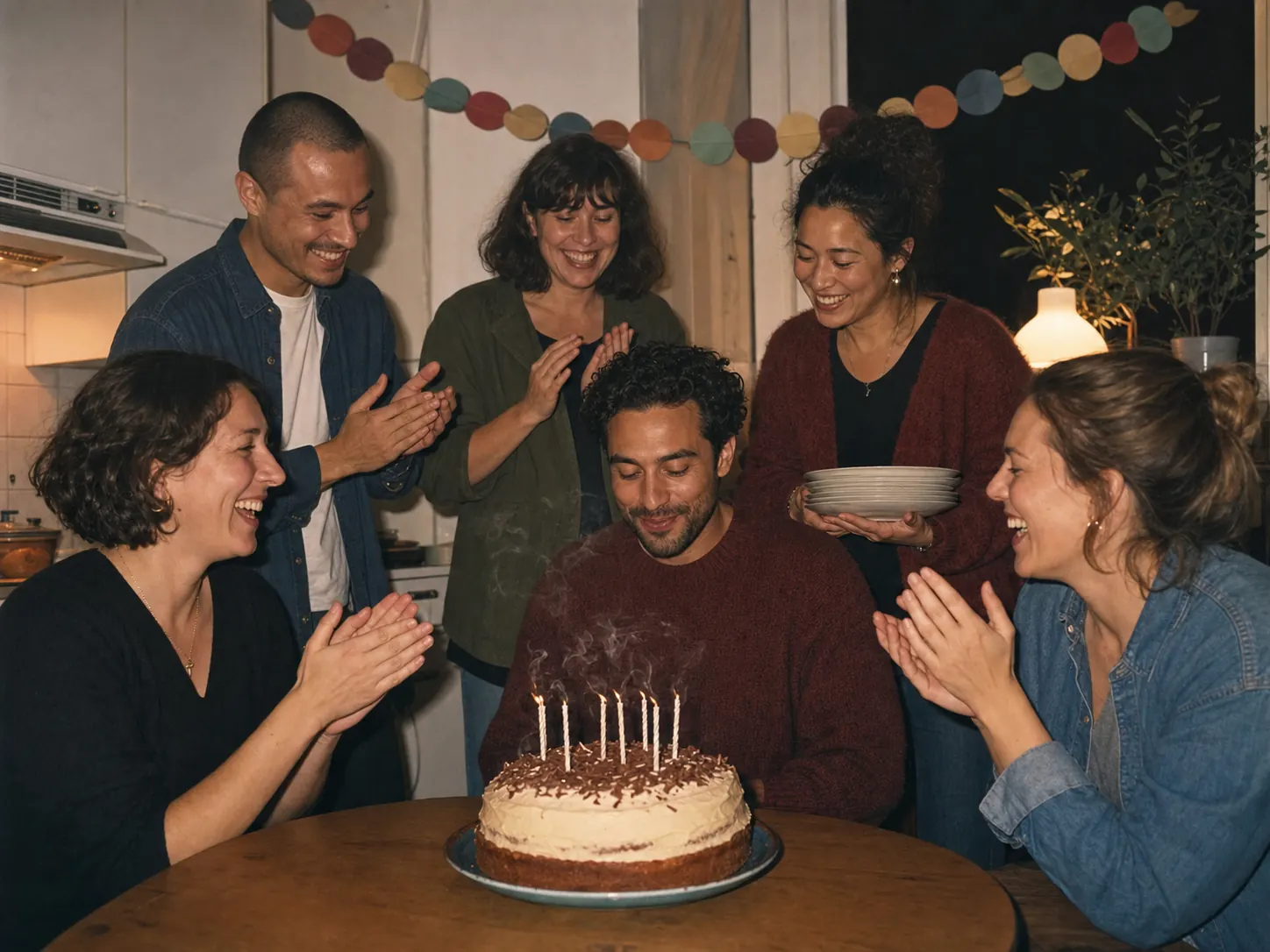
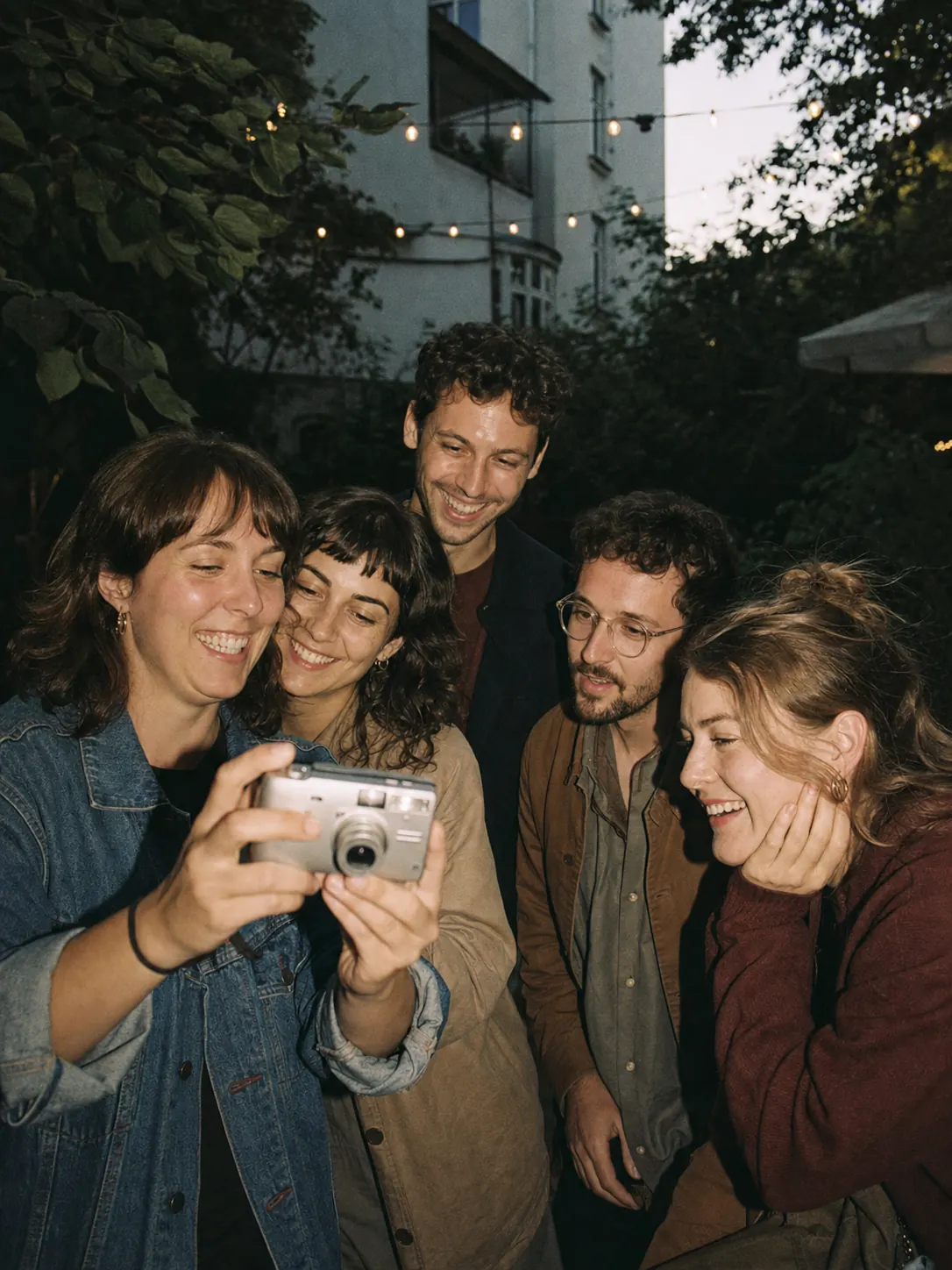
Guests take photos, complete missions and comment on each other’s pictures.
Each photo appears in your preview first. Retake it, choose a filter or add a short quote. Tap “Keep moment” to make it visible to the other guests.
 ↓
‹ FILTER ›
↓
‹ FILTER ›
More than an album.
SnapTogether arranges captures by time. Individual photos become the rhythm of the night — from the first toast to the final song.
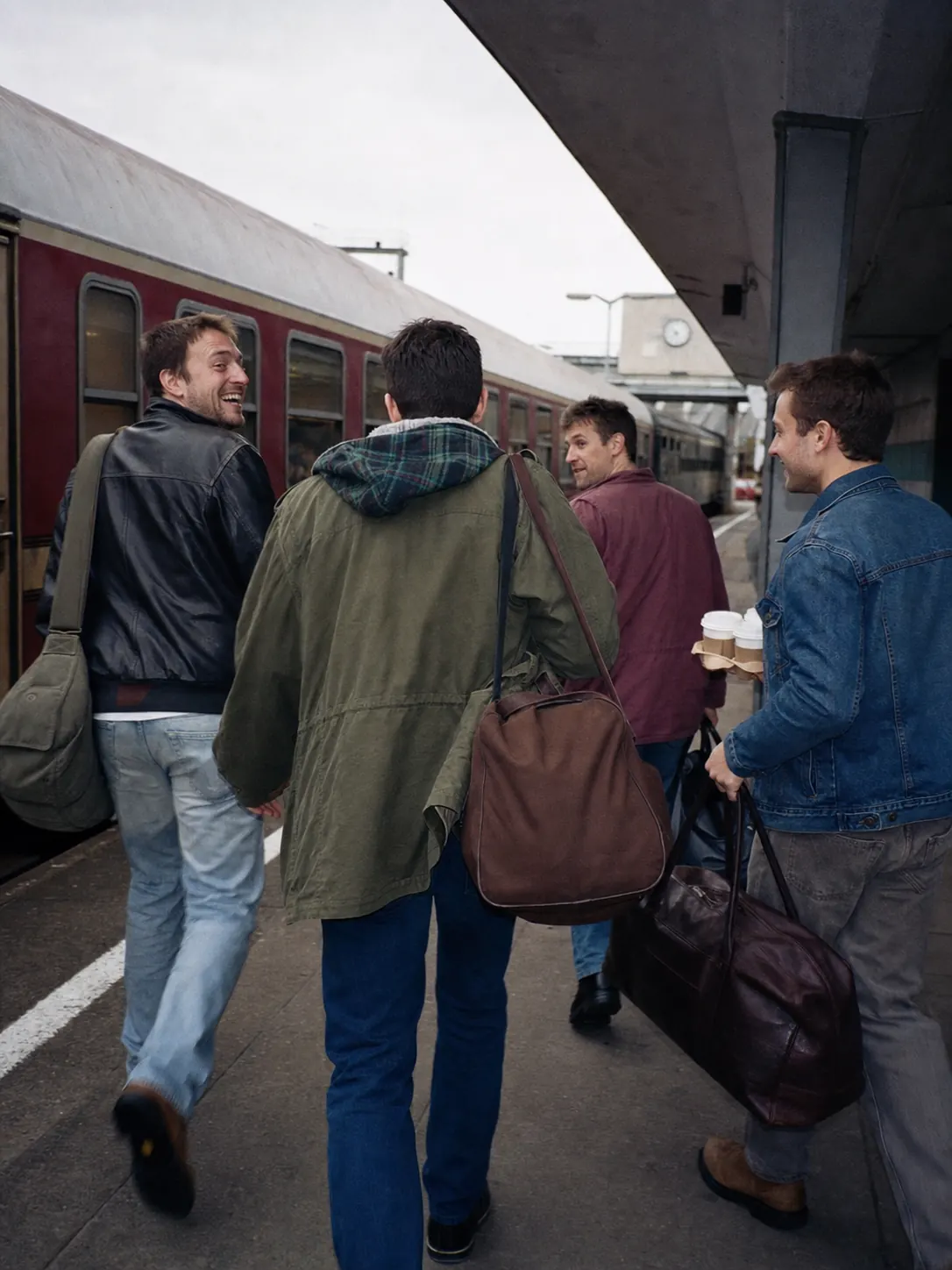
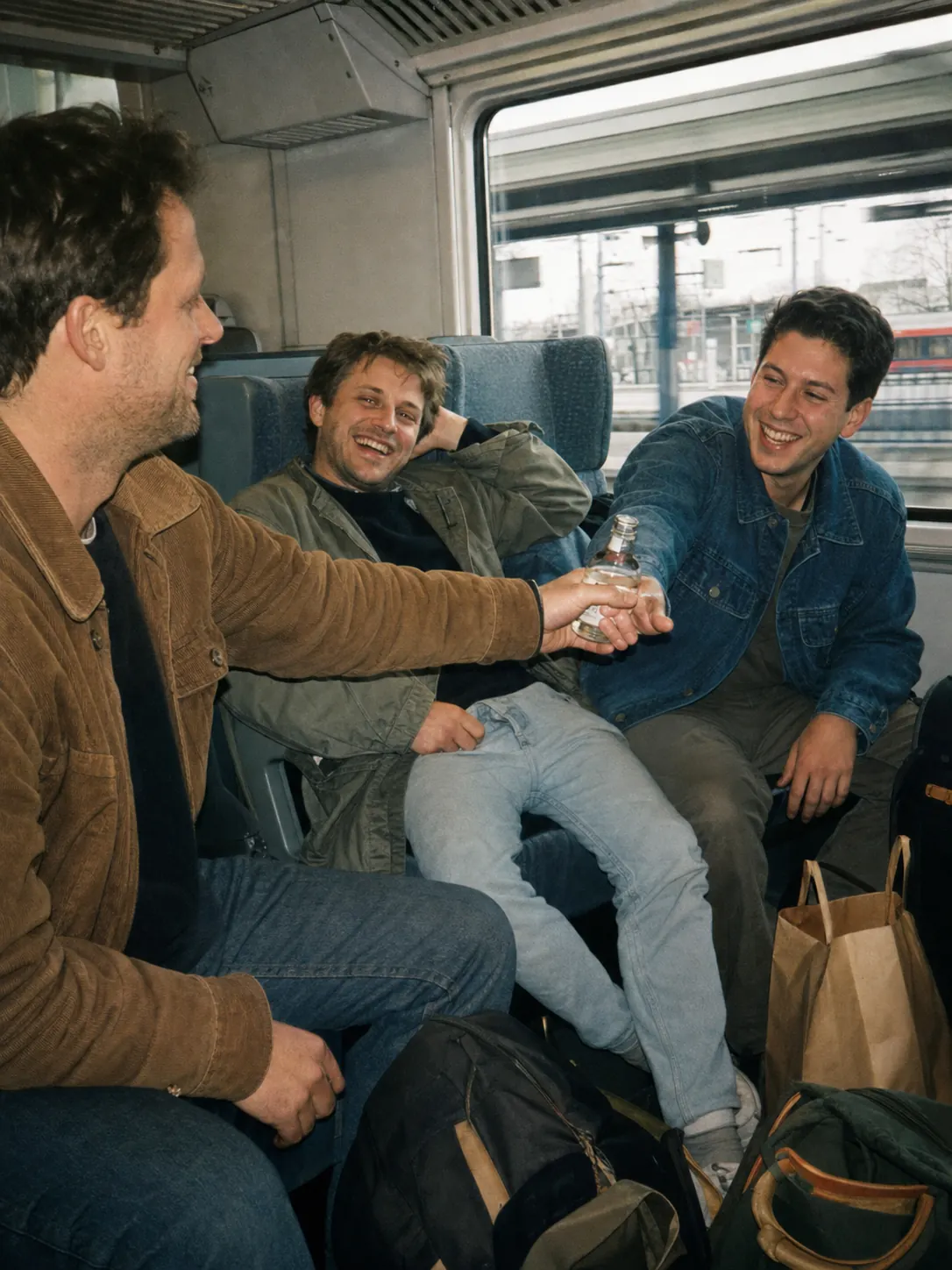
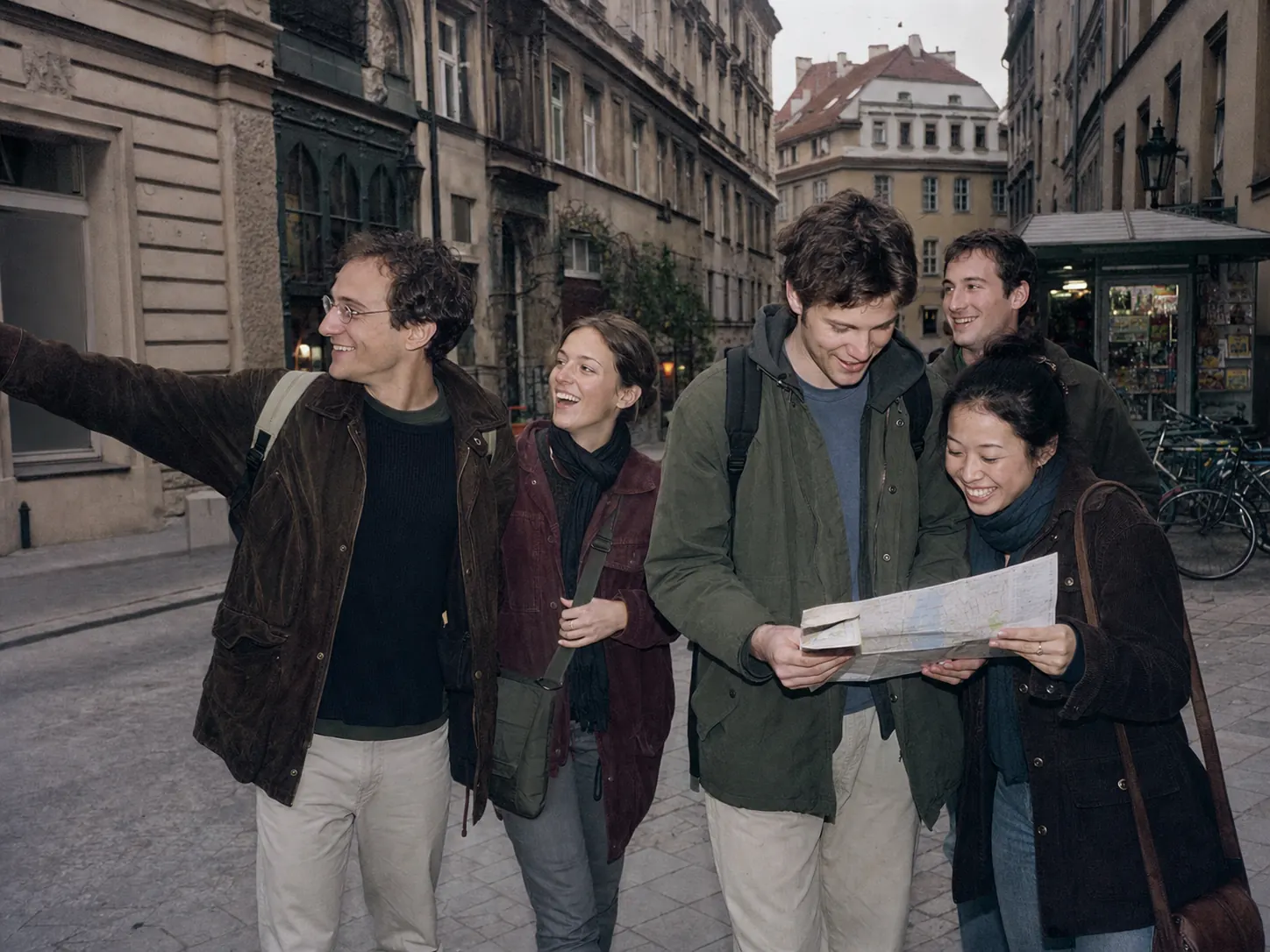
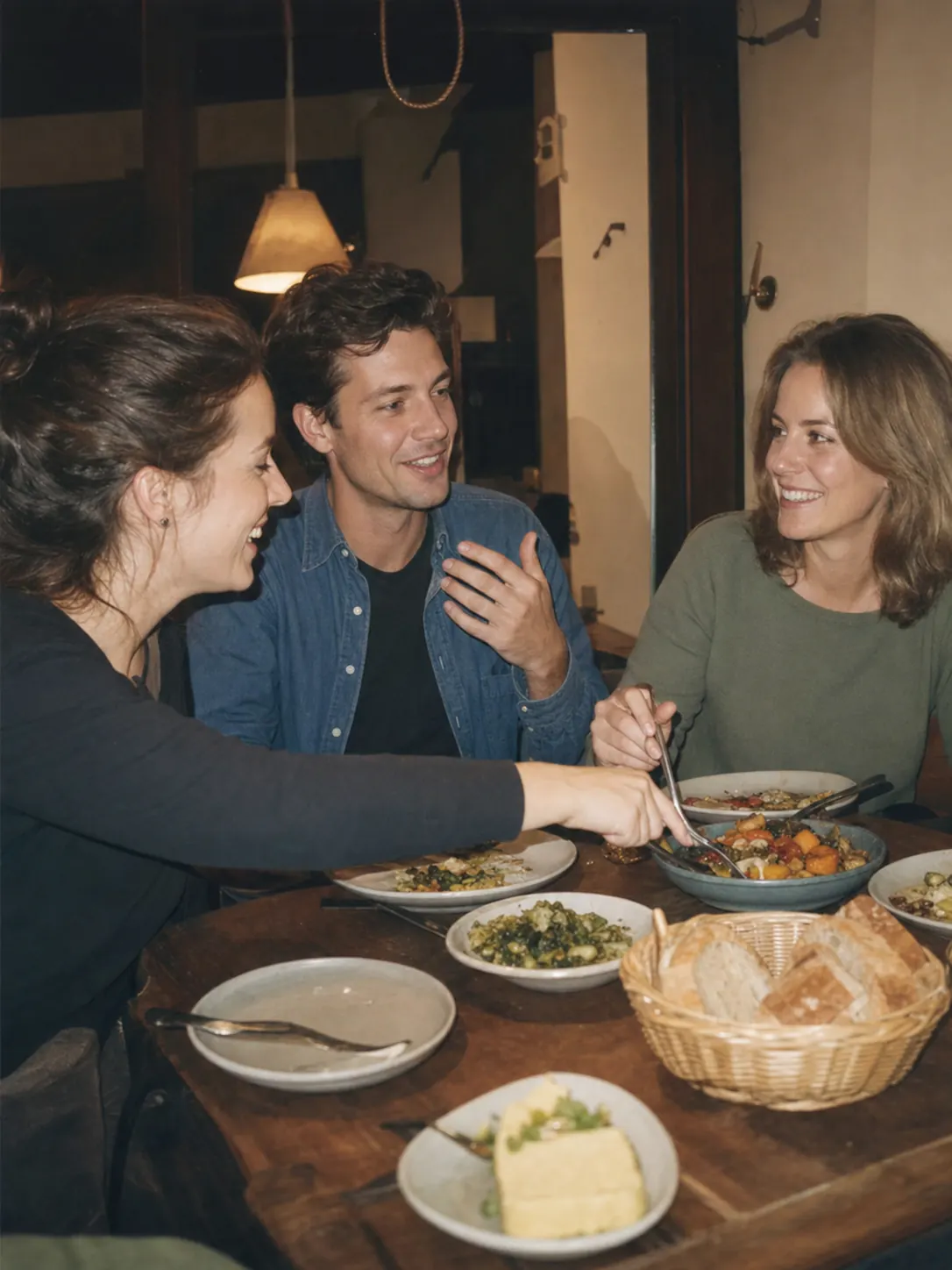
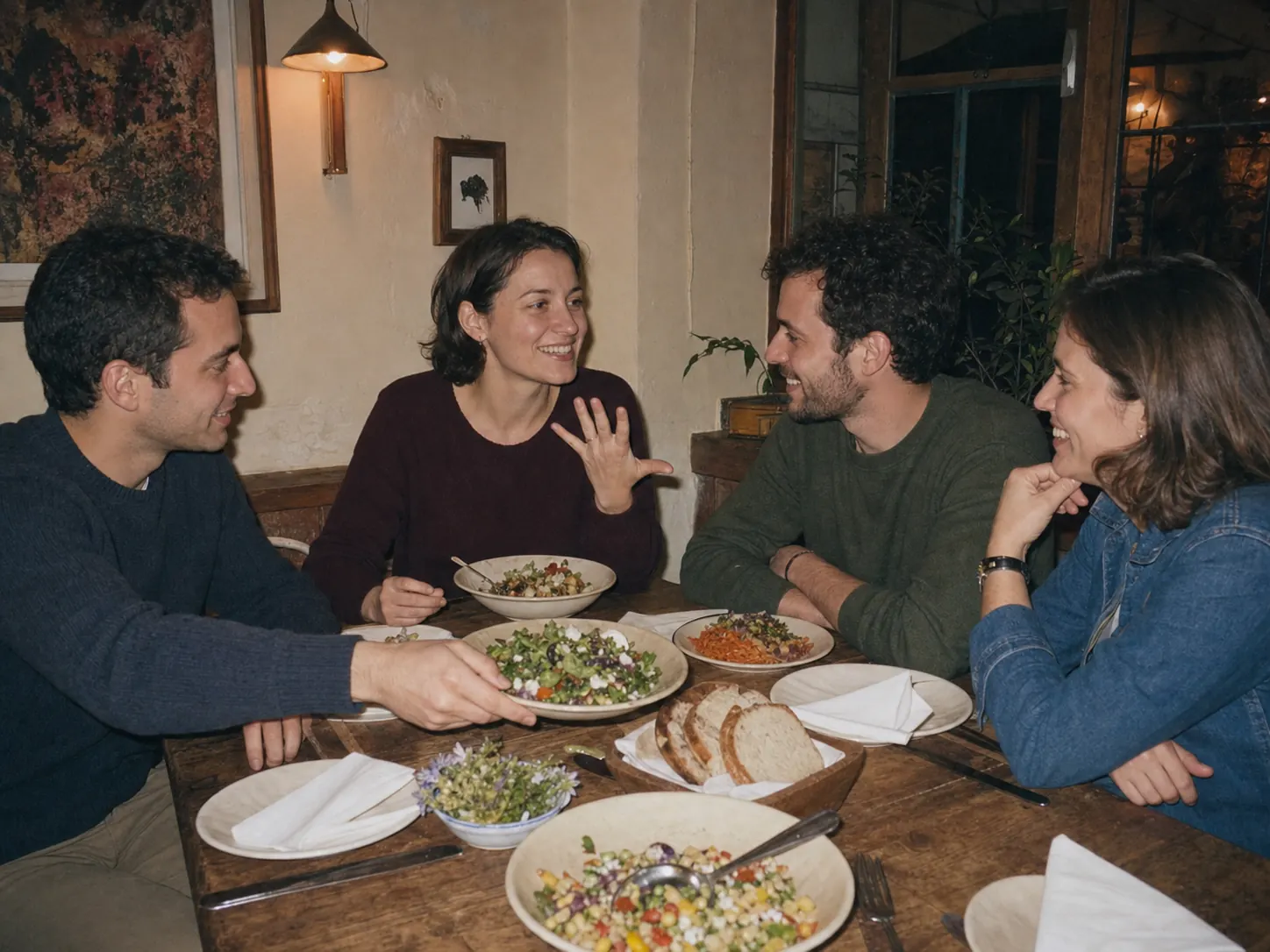
Missions help guests start conversations, especially when they do not know each other yet. The tasks give them specific reasons to approach someone, find a particular person or capture a situation. Awards and anonymous compliments give everyone a way to take part.
Missions give guests specific photo ideas and an easy reason to start a conversation. Depending on the task, they look for a subject, approach a particular person or discover something they have in common.
 ←
←
Guests use their limited votes directly on individual photos. The award view shows the leading capture and every other moment that received votes.
The host decides which compliments fit the event. Guests select one or more from another person’s profile. Recipients then see which compliments they received and how often — but never who sent them.
Nina's birthday
No signal? Keep shooting.
You can keep taking photos without a connection. They upload automatically as soon as you are back online. After the event, you can archive the complete timeline on your device or save it as a SnapTogether file and open it again later.
Every new moment waits safely on the device.
Once back online, SnapTogether processes the queue.
Timeline, event data and preview images return as an archive.
No. The QR code opens the event directly in the browser. Guests need neither an app store download nor a regular account.
Yes. Synced event data remains available locally. New captures wait and upload as soon as the connection returns.
Event content is intended for members of that event. Hosts control invitations, roles, approvals and download permissions.
Yes. You can archive the timeline with its event data and images on your device. You can also save it as a .snaptogether file and open it again in SnapTogether on any device.
No. It works for birthdays, festivals, company parties, trips, graduation celebrations and every event worth keeping from many perspectives.